Secret Superkey of the Computer on your Keyboard
Hello friends , we always take shortcuts in our life that save our time in daily life.That's why i am here to give you some shortcut key not just but Secret superkey on your Keyboard. As you know some shortcut key like ctrl+V (for paste),ctrl+X (cut), ctrl+P (print command) and many more which you commonly used in your computer but this key are different from it therefore i called Secret Superkey.
This list sticks to handy keys in the Windows OS, as it is the most widely used.
1)Windows key + R letter key

- Directly type in the name of a program, folder, file, or Internet resource, and this shortcut helps open it for you.
- No hassle to open this window by going to programs, or Windows icon!.
- If you press these two keys together, it will take you directly to the 'Run Dialogue' box where you can run an application.
2)Windows key + Up Arrow key/Down Arrow key
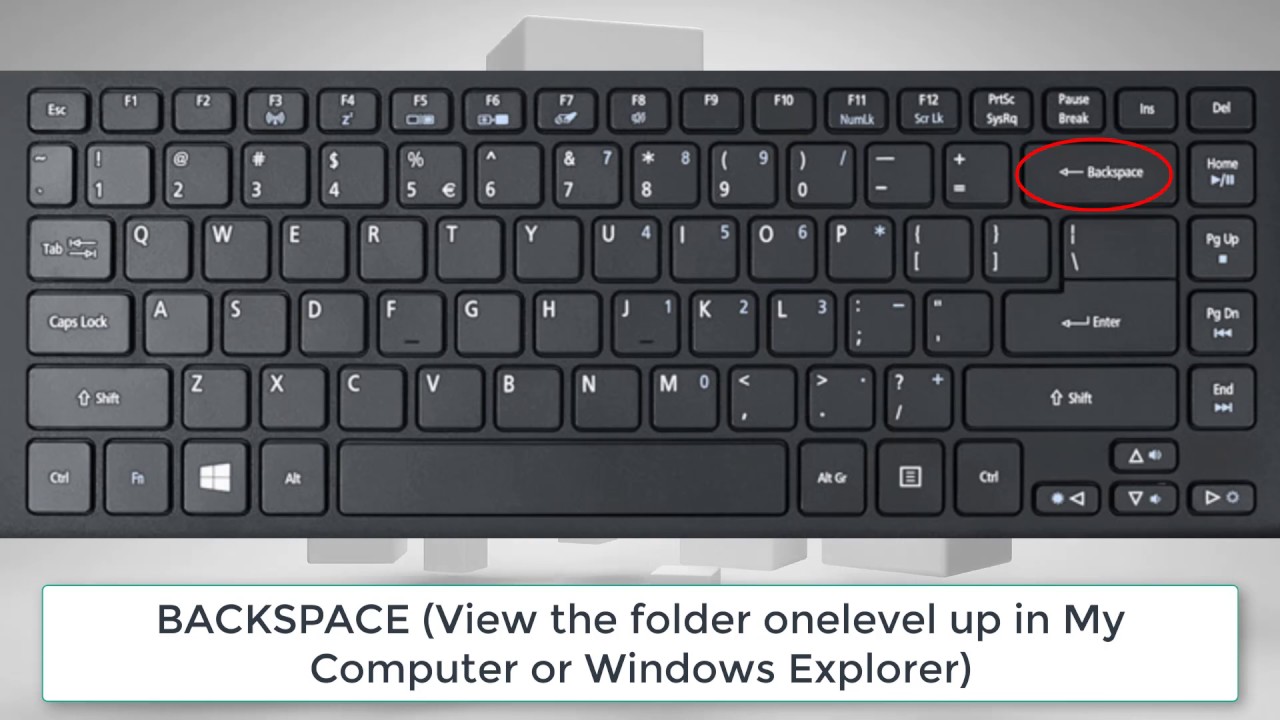
- If you ever feel too lazy to maximize the current window you are working on, or minimise it, then these two keys will be good friends of yours
- You can use Window key + Down Arrow key to minimize the current window and do the just the opposite with this shortcut in order to maximise the window just like zoom in and zoom out.
3)Ctrl key + Shift key + Esc key

- PC ever starts hanging or any application is not running smoothly, then what do you do?
- No shortcut; you open the Task Manager and try to kill the process
- Now, you don't have to open the task manager as your keyboard can save the time it takes to look for it
- These keys perform just that for you
- Go, kill the process
4)Windows key + B letter key

- This combination on your keyboard selects the first icon in the Notification area (bottom right), which then lets you switch between the icons using left and right arrow keys
- It is one the best combinations that will ease your work by giving you access over WiFi control bar, volume control bar, battery status bar, language bar, and date and time bar through your keypad

5)Ctrl key + Shift key + T letter key
- This one is for your internet browser

- In case you accidentally closed a tab, just press these three keys together to open it again without the hassle of going to history and re-opening it
- This shortcut stands valid for all previously closed tabs in one chrome session
- This one's a sure-shot life saver!
I think this superkey will very helpful for your computer in your future work.
Posted By ""ME""
Not just Read But ""Comment Also!""
{tHaNk yoU!}


Comments
Post a Comment